Softaken Google Apps Backup
Software Option
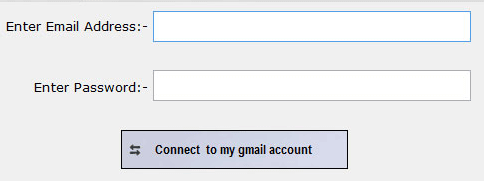
The user interface contains few buttons:
| Option | Description |
|---|---|
| Connect to Google Apps Account | Enter Gmail ID and password to connect Google Apps account. |
| Option | Description |
|---|---|
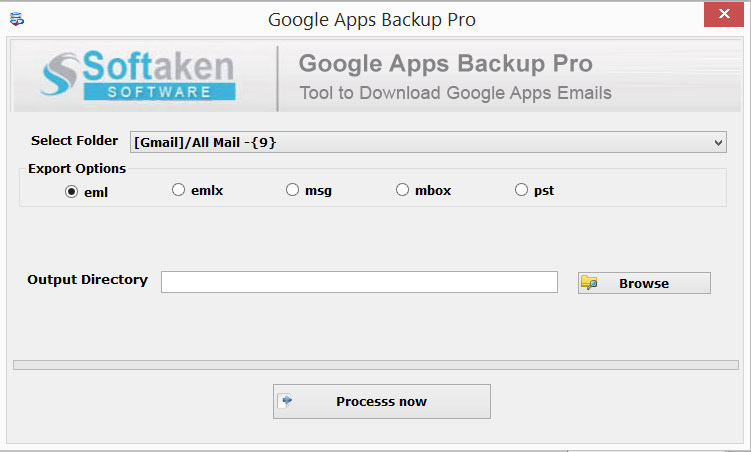
| Select Folder | Select folder which you want to download. |
| Export Options | Export selected folder from Gmail to EML, MSG, EMLX, MBOX or PST. |
| Output Directory | Browse button to select destination path. |
| Process Now | Click on Process Now button to complete the process.. |