Softaken PST Password Removal
Software Option
The user interface contains few buttons:

| Option | Description |
|---|---|
| Browse Files/Folder Button | It helps you to add PST files or folder. |
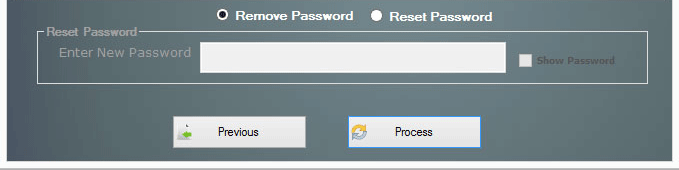
| Option | Description |
|---|---|
| Remove Password | Use this option to remove passwords from PST files. |
| Reset Password | Use this option to reset PST password and enter new password. |
| Process | Click on Process button to start the passwords removal process. |