Softaken EML to GMail Importer
Software Option
The user interface contains few buttons:

| Option |
Description |
| File Type |
It helps you to tick on file type i.e. EML/EMLX. |
| Input Type |
use this option to tick on input type i.e. folder mode or files mode |
| Add Files |
use this option to import EML files. |
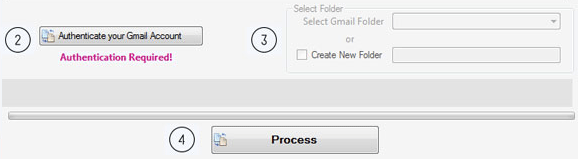
| Option |
Description |
| Authenticate your Gmail Acccount |
Enter username and password and click connect to my Gmail account. |
| Select Folder |
Select Gmail folder as selected folders or create new folder. |
| Process |
Click Process and the transfer process starts. |