Softaken MBOX Duplicate Remover
Software Option
The user interface contains few buttons:
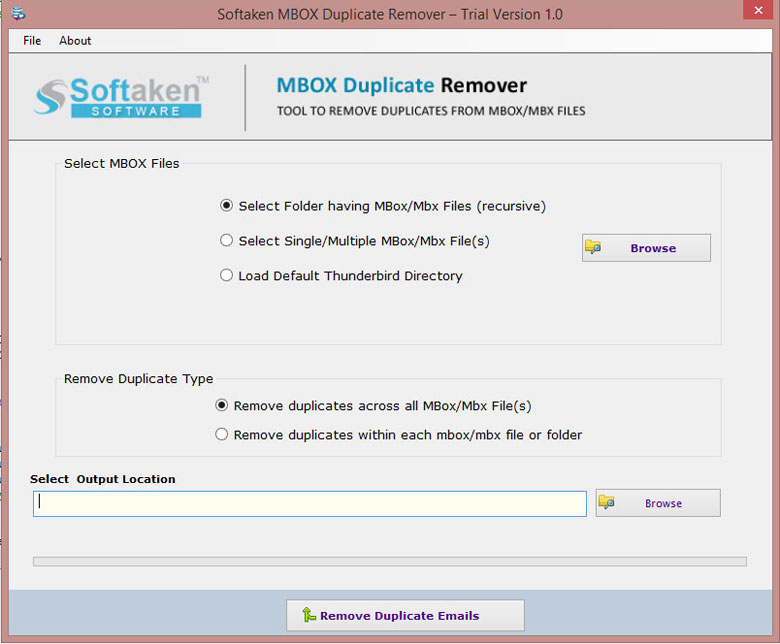
| Option | Description |
|---|---|
| Browse | To add MBOX/MBX files |
| Select Folder | Select a folder of MBOX/MBX having multiple files |
| Select single/multiple files | To add MBOX/MBX file one by one |
| Load default Thunderbird directory | Automatically load Thunderbird files from the system |
| Remove duplicates across the folder | To remove duplicate emails from all folders |
| Remove duplicates within the folder | For removing duplicates within the selected folder |
| Browse for output file destination | Select output location with Browse button |
| Remove Duplicate Emails | To start the process of removing duplicates from MBOX files |