Softaken PDF Protector
Software Option
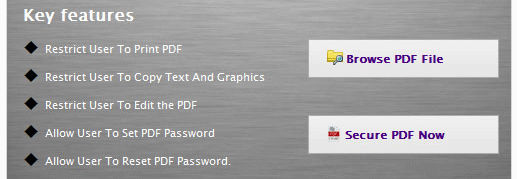
The user interface contains few buttons:
| Option |
Description |
| Browse PDF File |
It helps you to add PDF files. |
| Secure PDF Now |
It helps you to Secure PDF File. |
| Option |
Description |
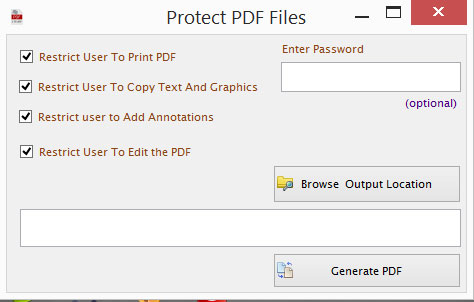
| Restrict user to print |
This option will help to Restrict user to print PDF file |
| Restrict user to copy |
This option will help to Restrict user to copy text and graphics |
| Restrict user to add annotations |
This option will help to Restrict user to add annotations in PDF file |
| Restrict user to edit |
This option will help to Restrict user to edit the PDF |